
Live in 5 Minutes
What the first five minutes of Airflow setup actually looks like, step by step.
Minute one — the property
One record, filled in once
You add a property: name, where it is, how many bedrooms and bathrooms, how many guests, your nightly rate and your minimum stay. That single record is what every page on this site reads from, and it is also what the booking calendar, the invoices and the guest portal read from.
Change the nightly rate once, later, and it changes on the booking page, on your website, in a quote and on the marketplace. There is no second place to remember.
Minute two — the photos
Drag them in, tag them, done
Upload your photos. Tag them by room or theme if you want the gallery grouped. Mark one as the main image. They are resized and served from the edge automatically, so the site stays fast on a phone on a holiday connection — which is where most of your guests will open it.
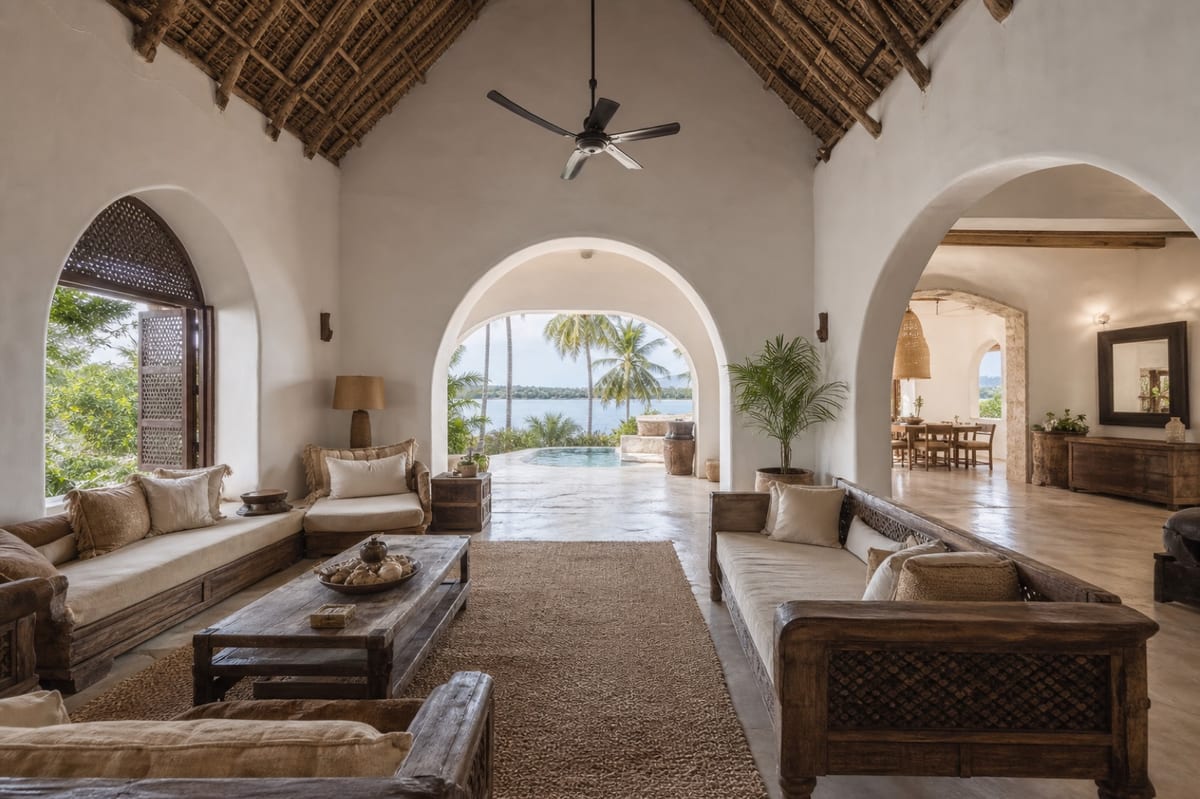
Minute three — the pages
One click each
Airflow has one-click pages: a gallery, an about page, a contact page, a reviews page. You click the ones you want. Custom pages — like this one — you write yourself in a simple editor, with headings, images and links.
Minute four — the look
Pick a colour, pick a typeface
Set your accent colour, choose your fonts, adjust the corners and the hero style. If you know CSS you can write your own. If you do not, you never have to see any.
Minute five — go live, on your own domain
Your name on the door, literally
Publish, and you are online immediately on a free address like this one — `yourname.airflowhost.com`.
But you almost certainly want your own domain name, and you should have it. If you already own one, point it at Airflow and the site answers on it. If you do not, buy one anywhere you like and do the same. The certificate is issued and renewed for you, the whole site moves across, and from that moment nothing a guest sees mentions Airflow — not the address bar, not the booking page, not the confirmation email.
This demo sits on `demo.airflowhost.com` because it is a demo. A real host's site sits on their own name. That is the difference between looking like a listing on somebody else's platform and looking like a business.
Then what?
That is the website. The rest of Airflow — the channel connections, the accounting, the guest messaging — is already running behind it, on the same property record you filled in during minute one.